Configure Conversion Service plugins
Plugins are non-standard components used for extending the Conversion Service with custom workflows.
Manage plugins
Depending on your installation, plugins are managed differently.
- Windows
- Docker
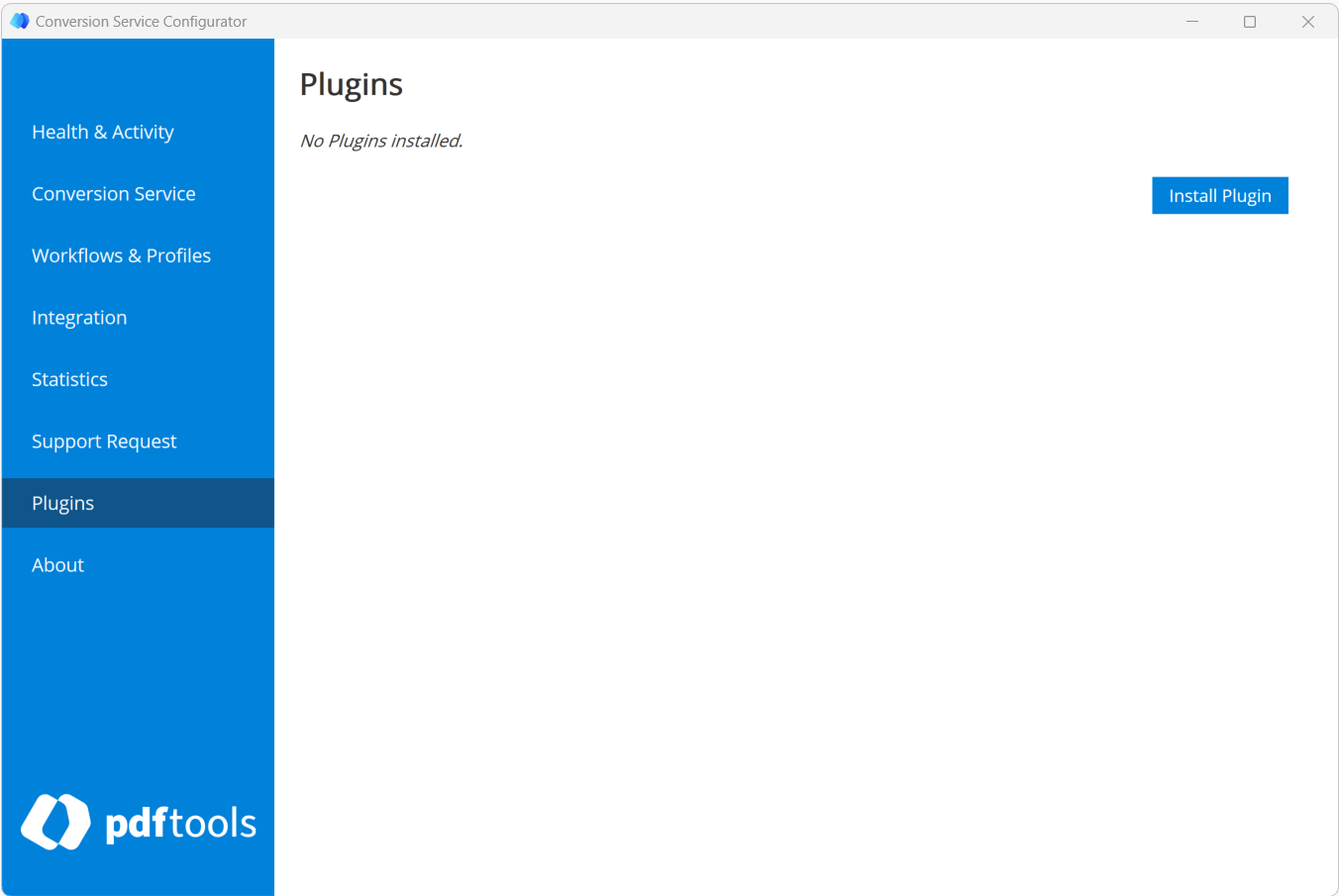
You can install plugins using the Plugins tab of the Conversion Service Configurator GUI. The tab is only displayed if the corresponding license feature is active. All installed plugins are listed here.
To install a new plugin, click Install Plugin and choose the ZIP file containing it. To update or delete a plugin, click the respective icon.
You must restart the service for any changes in plugins to take effect.
To run a Conversion Service with a plugin, a custom image must be created. The csconfig command can be used in the Dockerfile to install the plugin:
Example Dockerfile for installing a plugin with the Conversion Service:
  FROM pdftoolsag/conversion-service:IMAGE_VERSION

  USER root

  COPY PLUGIN_FILE .
  RUN bin/csconfig plugins install PLUGIN_FILE \
    && rm PLUGIN_FILE

  COPY PROFILE_EXPORT_FILE .
  RUN bin/csconfig profiles import -r PROFILE_EXPORT_FILE \
    && rm PROFILE_EXPORT_FILE

  USER convsrv
Replace the following:
IMAGE_VERSION: The Conversion Service version number (for example,6.12.0,6.12, or6).PLUGIN_FILE: The plugin archive filename (for example,Plugin-1.2.0.zip).PROFILE_EXPORT_FILE: The filename of the exported profile (for example,ProfileExport-6.11.0.export).
Each plugin version is designed for a specific version of the Conversion Service. So when upgrading the Conversion Service, all plugins must be upgraded as well. Unless the plugins are updated, the service is not operational.